
Anime Shop Simulator tools
Pricing method, system requirements, and shift checklists — no fake calculators, no invented codes.
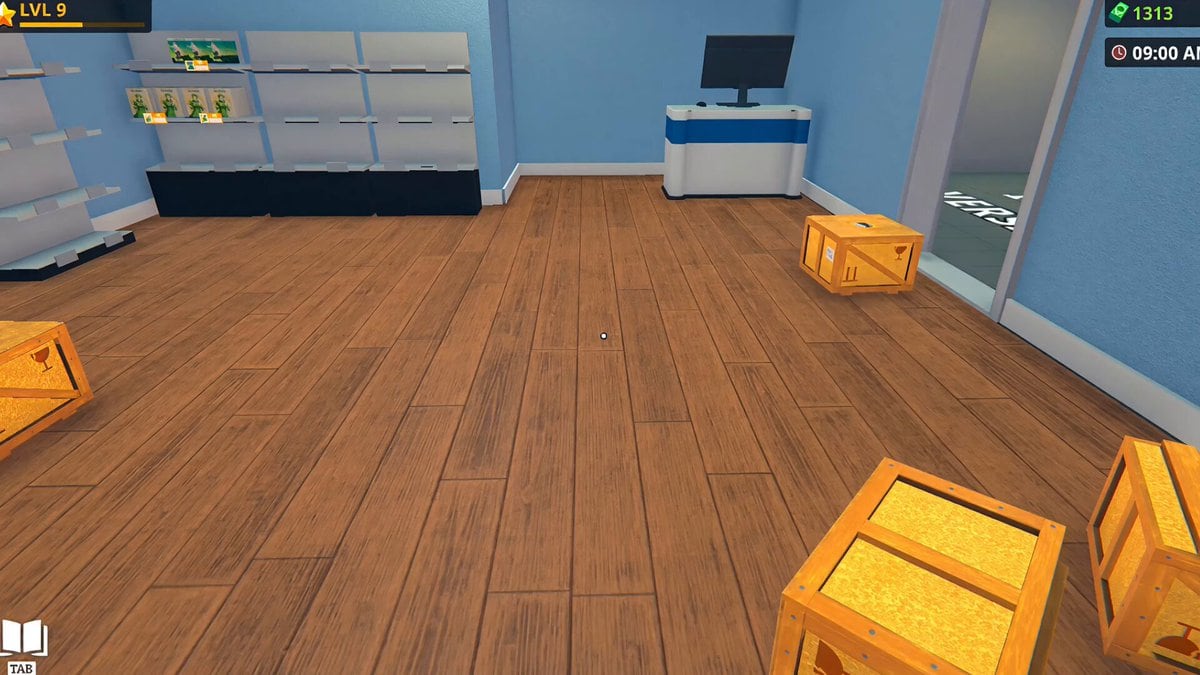
This hub is the clipboard, not the lore. Anime Shop Simulator rewards people who treat the till like a real register: a cash buffer, a restock trigger, a price you can defend, and a PC that will not melt when a fourth friend joins. The full game launches 11 September 2026. Until then these tools are calibrated to the Steam demo and to studio-published specs.
Child pages:
- Pricing playbook — how to move tags without emptying the shop
- System requirements — Windows minimums, Deck unknown, demo as the test
Related operator pages outside this hub: getting started for the first hour, shop layout for walking paths, co-op roles for who owns which tool.
What a “tool” means on this wiki
We will not ship a live profit calculator that pretends to know hidden margins. Demo prices and shipping change with patches. A calculator that is wrong is worse than a method. The method is: start near default, watch sell-through, move in small increments, never spend the last coins on a vanity license. That lives on pricing.
We will not ship a “secret code generator.” There are no codes. The free tool is the demo.
We will not ship a layout planner that needs furniture IDs the demo has not published. Use graph paper or the in-game move mode and the rules on shop layout.
What we will keep here are repeatable checklists you can run before a shift, after a festival, and before you invite three people into a lobby.
Opening-shift clipboard
Run this before you flip the sign, solo or co-op:
- Confirm the demo (or later, the full game) is updated. Co-op hosts: create a new lobby. See demo notes.
- Cash on hand is enough for one restock plus freight. If not, sell a duplicate single or skip the event. Pricing explains the buffer.
- Every licensed facing has product. Holes nearest the door get filled first.
- Age-gated merch is in a bay you can see from the till (special clients).
- Trash is empty. Cartons are not furniture.
- If four players: jobs assigned from co-op roles before anyone grabs the same box.
If step 2 fails, you are not ready for events. You are ready for a quiet restock hour.
Closing-shift clipboard
- Restock the two emptiest bays.
- Note which SKU printed money and which sat — that note feeds product tiers.
- Drop event markups that will not survive a Tuesday.
- Place a reorder for remnant SKUs, not for a new license you cannot fill.
- In co-op, say who is hosting tomorrow. Server-create issues are cheaper to avoid than to debug at 9:00 AM in-game.
Hardware as a tool
A fourth player on a dying GPU is not a co-op problem, it is a spec problem. Send them to system requirements and the demo. If the demo stutters in a tiny shop, the September catalog will not magically be lighter.
How this hub should grow after launch
When 1.0 ships, useful additions would be: a license unlock order (once it is stable), a furniture size table, and a tournament fee cheat-sheet. None of those belong here as fiction. Until the studio publishes numbers, the tools stay methods and checklists.
If you only open one child page, open pricing. Bad tags kill more demo runs than bad wallpaper.
Frequently Asked Questions
Quick answers for demo players and launch-day shopkeepers.
Is there a profit calculator?
No live calculator. Use the pricing playbook so you are not pretending to know hidden margins.
Where are the PC specs?
On the system requirements page: Windows 10 64-bit, 8 GB RAM, GTX 960-class, 10 GB storage.
Do these tools work after 11 September 2026?
The methods should. Exact prices will not. Recheck Steam news via the updates hub after launch.
Is there a layout tool?
Not a drag-and-drop planner. Follow shop layout and the opening checklist on this hub.
Why is Codes not a tool?
Because there are no codes. The codes page exists so that search does not send you to a phishing table.